
Mastering Palworld Cheat Engine: Safely Tweak Your Game
How Palworld cheat engine tables work on PC: attach to the UE5 process, load .CT files, freeze values, and keep saves and versions aligned.
Palworld cheat engine work is a memory-editor workflow, not an overlay menu. Cheat Engine (the Dark Byte scanner) attaches to the Palworld process, finds numbers in RAM, and lets you freeze them or run scripts from a .CT table.
This guide covers how that stack behaves on Palworld 1.0 PC: process name, tables, scans, save backups, and why pointers die after a hotfix. For aimbot, Pal ESP, and a maintained menu, read the Palworld enhancements guide.
What Cheat Engine actually is
Cheat Engine is an open memory scanner and debugger. Official docs describe value scans, pointers, Auto Assembler, and cheat tables. A cheat table is an XML .CT file: addresses, pointer chains, and scripts you toggle with checkboxes.
You do not inject a Palworld-specific trainer by default. You attach, then either scan yourself or load a table someone else built for a listed game version.
The Palworld process you attach to
Palworld on Windows is Unreal Engine 5. Community tables target Palworld.exe or, more often, Palworld-Win64-Shipping.exe. Dedicated servers use a separate binary (PalServer-Win64-Shipping). Attach the process that is running the world you care about.
Official CE tutorials suggest windowed mode so alt-tab does not flicker the game, and a backup save before you write values. Palworld stores local worlds as .sav files. Copy the save folder first.
How a typical table session runs
- Install Cheat Engine from the official project. Forum tables often ask for 7.0 or newer.
- Launch Palworld, then open the .CT file so it loads inside Cheat Engine.
- Click the computer icon and select the Palworld shipping process. Keep the address list when asked.
- Enable scripts with checkboxes, or type values. Spacebar freezes a selected address.
Public Palworld tables (for example community posts on Fearless Revolution) list hunger, stamina, health, tech points, Pal stats, and inventory helpers. Each post is tagged to a game build such as v0.6.x or 1.0. A table for 0.6.1 will not match 1.0.5.
Scans when you have no table
CE’s own tutorial is the playbook: search the current integer or float, change it in-game, scan again, repeat until one address remains. Palworld meters such as hunger and stamina are good first scans because they move when you sprint or eat.
Static addresses vanish on restart. Pointers and AOB (array of bytes) scripts survive longer because they find the player struct after a realloc. When Pocketpair ships a 1.0.x hotfix, those signatures often move. That is why tables churn.
Single-player vs dedicated servers
On a local world, the listen server and the client share your machine. A hunger freeze writes the value the game already uses. On a dedicated server, many stats are replicated from PalServer. A client-only edit may snap back or never show for other players.
Palworld does not load Easy Anti-Cheat on the official client. Public servers still enforce rules with admin commands and optional Windows plugins such as PalDefender. Treat a random .CT download as untrusted code: Auto Assembler can run whatever the table author wrote.
Technical habits that keep tweaks stable
- Match table version to the Palworld build in Steam properties (1.0.5 as of the September 15, 2026 hotfix, unless a newer patch landed).
- Test one script at a time. Enable “unlimited health,” confirm, then add hunger. Stacking unknown scripts is how saves corrupt.
- Do not attach CE to Steam.exe or GameOverlayUI. Wrong process means wasted scans.
- After a crash, restore the .sav backup before you boot Palworld again.
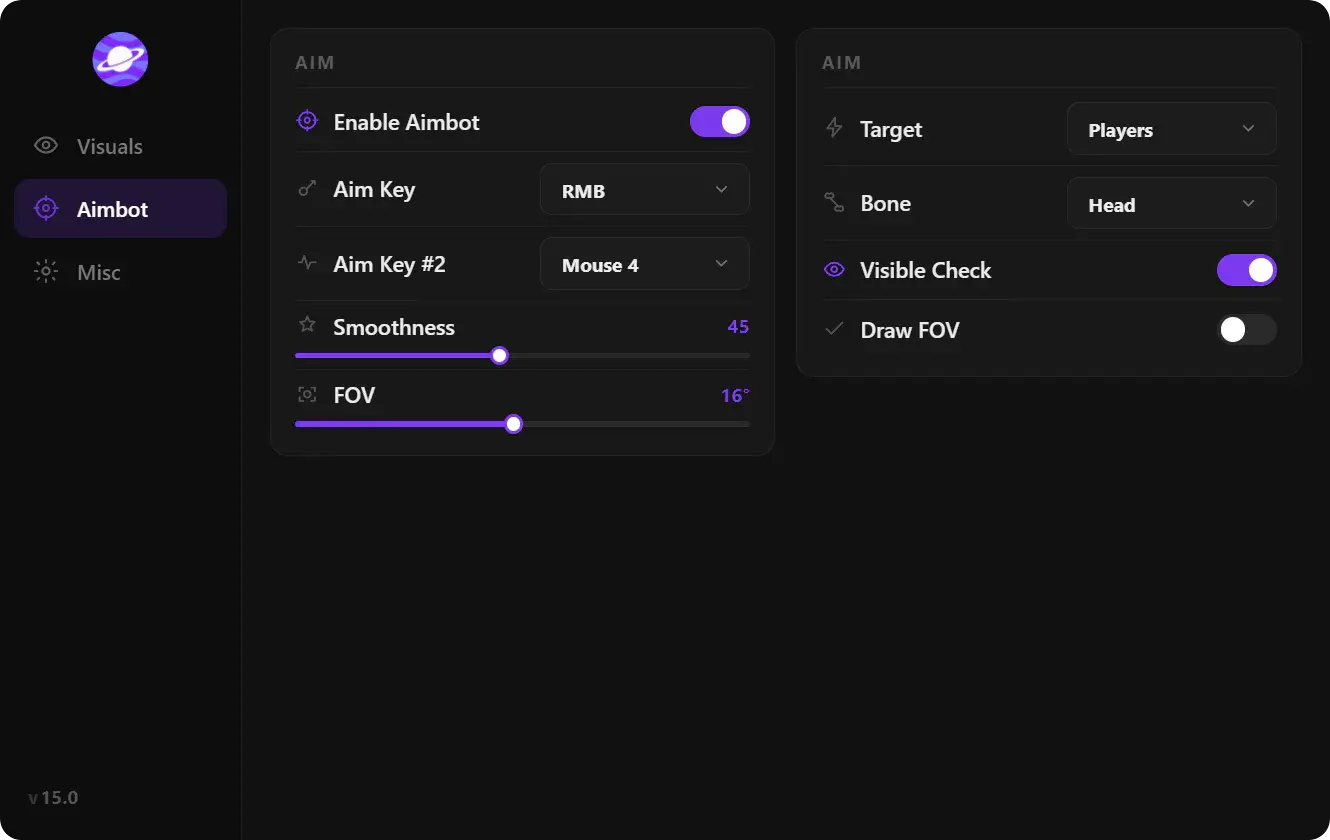
CE will not draw Pal boxes, egg ESP, or a smoothed aim FOV. Those are overlay features. If you want that layer plus a portal build instead of a forum table, start from palworld cheats and keep Cheat Engine for local value work only.
When an overlay is the better tool
Use Cheat Engine when you host the world and you only need meters, item counts, or Pal stats. Use a menu when you need ESP filters, aimbot bones, battle-mode clutter control, and configs that survive a patch without a new .CT.
The enhancements map lists those modules against 1.0 systems (Sunreach, raids, work Pals). Mix both if you like: CE for a private save, overlay for multiplayer reads.
FAQ
What file does Palworld cheat engine use?
Cheat tables use the .CT extension. They are XML files Cheat Engine loads from File → Load or by double-clicking. They are not Palworld mods and they do not go in the game’s Paks folder.
Why did my table stop working after an update?
Palworld patches move Unreal objects in memory. Pointers and AOB scripts compiled for yesterday’s shipping build miss today’s addresses. Wait for a table tagged to the new version, or rescan.
Can Cheat Engine edit a dedicated server?
Only if you attach to the server process on the host machine. Client CE on your PC cannot rewrite PalServer memory over the network. Server-side edits also replicate to everyone connected, which is a different workflow from a local .sav tweak.
Is Cheat Engine the same as a Palworld trainer?
A trainer is a packaged EXE with fixed hotkeys. Cheat Engine is the general scanner. Many “Palworld trainers” are just CE tables plus a wrapper. You still need a build that matches the current client.
Does this replace Pal ESP and aimbot?
No. CE edits values you can find in RAM. ESP and aimbot read entity lists and write input. Use the enhancements guide for those modules, and CE when you want a frozen meter on a world you control.