
Palworld Overlay Settings and Config Options
Palworld overlay settings and configs: menu and unload keys, DPI, FPS cap, Murky/Sunny themes, watermark, languages, plus create, load, rename, and delete profiles.
Palworld overlay settings and config options are how you live with the menu day to day. Keys, DPI, FPS cap, theme, watermark, and language on one tab. Create, load, rename, and delete profiles on the other. This post is the interface guide, not the combat guide.
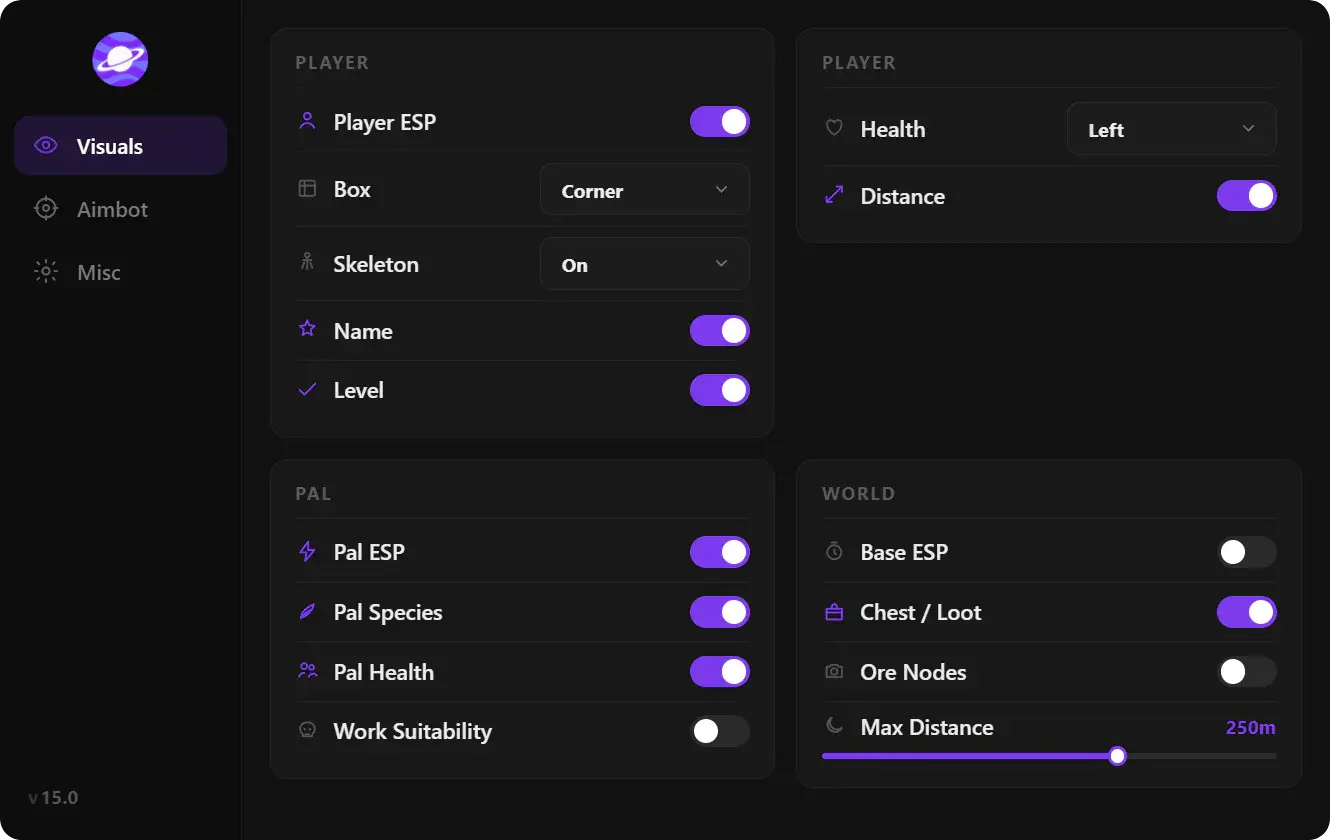
Put aim sliders in an aim profile and ESP filters in a farm profile. Module detail: aimbot, ESP and battle mode, exploits.
Settings options
Menu keybind toggles the overlay. Pick a key you do not use for Pal commands, glider, or weapon swap. Unload keybind tears the menu out of the session without killing Palworld. Use unload before you alt-tab into a clip tool if you want a clean desktop.
DPI scale is the UI size. 4K and ultrawide need a higher scale so FOV borders and ESP names stay readable. FPS limit caps the overlay thread so it does not fight Palworld on a mid-range GPU. Palworld already wants an SSD and scales with active Pals—do not let the menu run unlocked on a 60 Hz panel.
Theme is Murky or Sunny: dark vs light chrome. Watermark is the on-screen brand mark; turn it off for captures if the build allows. Language ships EN, RU, and CN to match the Palworld client locales you actually play in.
Config options
Configs are named snapshots of every slider. Create, load, rename, delete. That is the difference between a maintained overlay and a Cheat Engine table you re-tick after every patch.
- Farm: Pal ESP + eggs + rocks, stomach and stamina exploits, aim off or Pal-only hold key.
- Raid: player ESP off, Pal ESP on, battle mode hiding items, health/ammo exploits, body-bone aim.
- PvP: player ESP + health, small FOV aim, exploits off or stamina only.
Rename configs with the Palworld build in the name (for example farm-1.0.5) so you know which file belongs to which hotfix. After a client update, load the last known-good profile; do not rebuild from zero unless sliders reset.
Sharing a config
A config is settings, not a loader. Share it only with people on the same overlay build. A file from a random Discord is still untrusted. Keep your own create/load/delete cycle inside the portal copy you paid for.
Settings do not change SteamID bans or hardware IDs. Identifier work is the HWID spoofer article. Product scoring is the hacks comparison.
Menu keys, themes, and saved profiles ship with palworld cheats on the same overlay as aimbot and ESP. Checkout is the buy page; this article is how to file the sliders.
FAQ
Do configs survive a Palworld patch?
The file survives. Some sliders may reset if the overlay added options. Load the profile, glance at FOV and ESP distance, then play. If the overlay itself is marked updating, wait.
Menu key vs unload key?
Menu hides or shows the UI. Unload removes the overlay from the process until you inject or launch again. Use menu mid-game. Use unload when you are done.
Why limit overlay FPS?
Palworld 1.0 is heavier with more Pals and Sunreach assets. An uncapped ESP thread adds frames you never see on a 60 or 144 Hz display. Match the cap to your monitor.
Can I use one config for aimbot and ESP?
Yes. Many players keep a single “default” and only split farm vs PvP. Split when battle mode and target filters fight each other.
Are Murky and Sunny just colors?
Yes. They do not change detection or damage. Pick the one you can read on your brightness. Watermark is the same: display only.